
Send WhatsApp Broadcasts That Start Useful Conversations
Reach opted-in customers with relevant updates, offers and reminders through ALAbrish Technologies. When they reply, keep the conversation moving with AI agents, a shared inbox and clear next steps.
 WhatsApp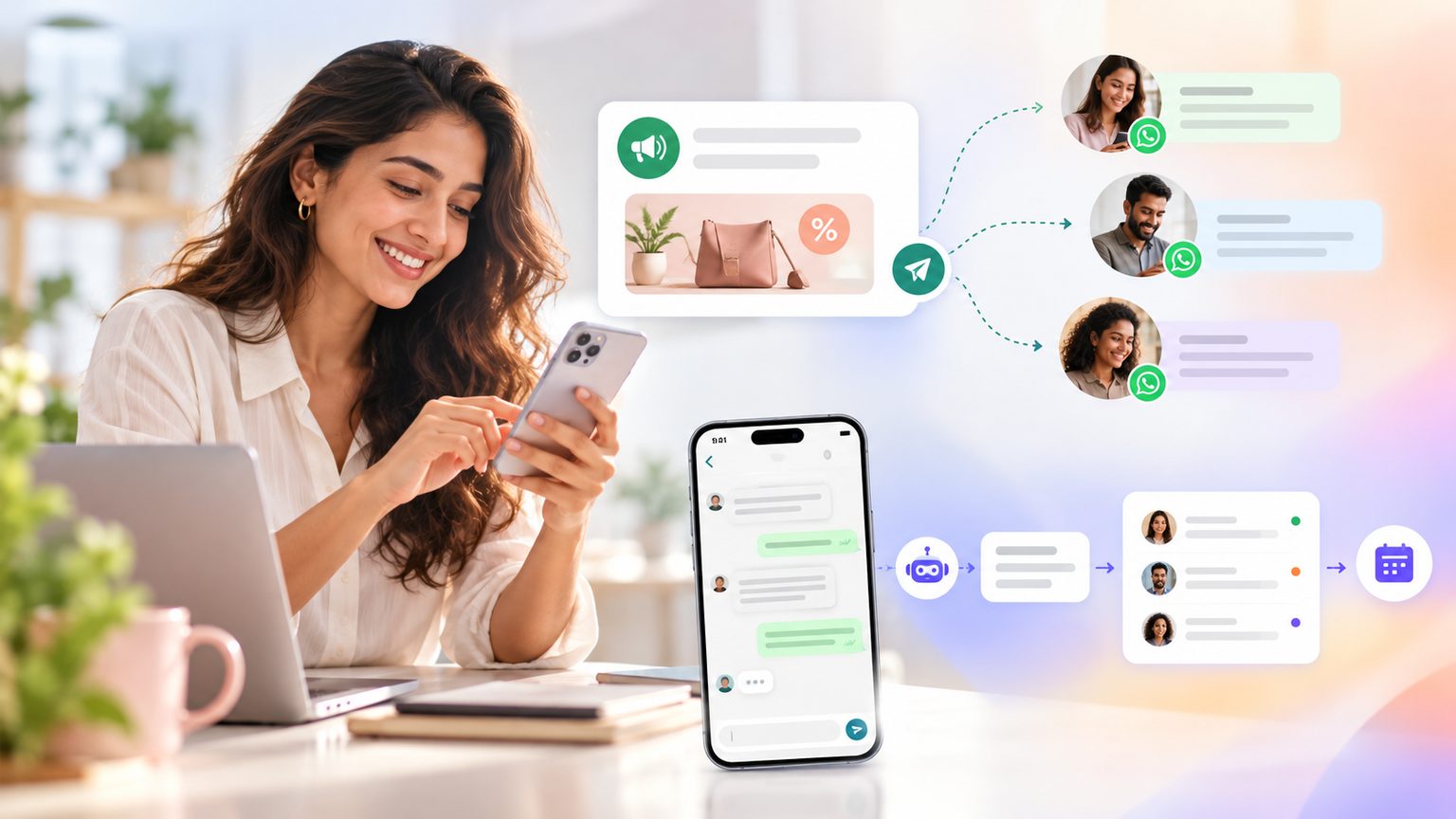
Give every broadcast a purpose
Connect your audience, message and follow-up in one customer-conversation platform.
Reach the right audience
Build audiences around customer interests, purchase history or journey stage using the data you connect. Keep irrelevant offers out of the conversation.
Make each message relevant
Use available customer details to personalise approved WhatsApp templates. Give recipients a clear reason to read and a useful next action.
Plan the next step
Use the journey builder to connect outreach with follow-up. Guide interested customers towards an answer, a booking or a purchase.
Handle replies with AI
Let AI agents answer routine questions using your business information. Bring a teammate into the shared inbox when the conversation needs human attention.
Turn interest into payment
Help customers move from a product question to payment in chat through supported payment integrations. Keep the buying conversation together.
Learn from each campaign
Use available delivery, engagement and conversation data to assess your broadcast. Find where customers respond and where the journey needs work.
Match the broadcast to the customer’s moment
Choose a specific audience and outcome before writing the message.
Product launches
Tell interested, opted-in customers when something new arrives. Give them a direct way to ask about size, suitability or availability instead of leaving them at an announcement.
- Interest-based audiences
- Product questions
- Purchase guidance
Build the conversation before you press send
A successful broadcast needs more than a contact list and a message.
- 1
Step 1
Choose one clear outcome
Decide whether the campaign should generate enquiries, confirm attendance or encourage purchases. Build the message around that action.
- 2
Step 2
Prepare your opted-in audience
Select relevant contacts and check their WhatsApp consent. Exclude people who have opted out or do not fit the campaign.
- 3
Step 3
Prepare the right template
Use a Meta-approved template where required. Check personalisation fields, links and offer details before sending.
- 4
Step 4
Set up reply handling
Prepare AI answers for likely questions and define when a teammate should take over. Give customers a useful path beyond the first reply.
- 5
Step 5
Review and refine
Review available campaign metrics alongside the conversations they generated. Use what customers ask to improve your next audience, message and follow-up.
Broadcast on WhatsApp. Manage more in one place.
ALAbrish brings WhatsApp, Instagram, Messenger, Telegram and TikTok conversations into a shared inbox, so your team can manage outreach responses alongside everyday enquiries.
One working inbox
Handle WhatsApp campaign replies alongside conversations from your other connected channels.
AI for repeat questions
Give customers help with common product, service and policy questions.
People for the exceptions
Move complex requests to a teammate without making the customer start a new conversation.
Connected business tools
Use 150+ integrations to connect customer conversations with the systems your business relies on.
Protect the permission behind every message
WhatsApp broadcasts work best when customers expect them. Build your campaigns around consent, relevance and Meta’s messaging rules.
Start with opt-in
Having a phone number is not the same as having permission. Confirm WhatsApp consent before including someone in outreach.
Use approved templates
Business-initiated messages outside the customer service window require approved templates. Approval does not replace consent.
Respect messaging limits
Plan sends around the limits and account conditions Meta applies. A broadcast is not a guarantee of delivery to every recipient.
Make stopping simple
Give recipients a clear way to opt out and honour their requests. Keep future campaign audiences aligned with those preferences.
Choose relevance over volume
Send when there is something useful to say. Watch recipient feedback and avoid repeated outreach to people who are not engaging.
WhatsApp broadcasts, explained
Key details to know before planning your first campaign.
It is a way to send a business message to a selected audience of opted-in WhatsApp contacts. Each recipient receives an individual message, not a group chat, and can reply directly to your business.
Every conversation, one AI that never sleeps.
See how ALAbrish turns chats on five channels into revenue — in a 30-minute walkthrough.